





Introduction
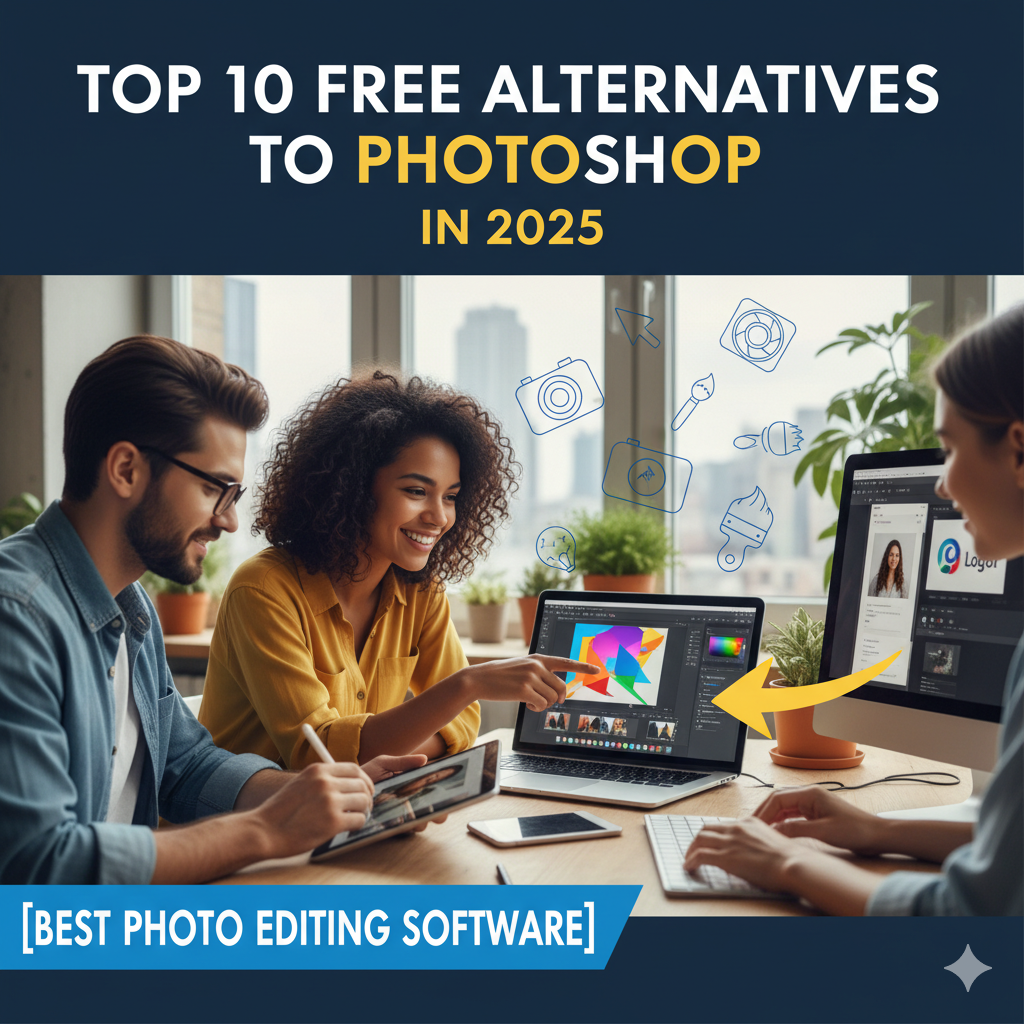
Adobe Photoshop is one of the most powerful image editing tools in the world, but it comes with a heavy price tag. Not everyone can afford the subscription cost, especially students, freelancers, or beginners. Luckily, there are many free alternatives to Photoshop in 2025 that offer powerful photo editing features without costing a single penny.
In this article, we’ll explore the top 10 best free Photoshop alternatives in 2025 for Windows, Mac, Linux, and even online use.
—
1. GIMP (GNU Image Manipulation Program)
Platform: Windows, Mac, Linux
Why Use It: The most popular free Photoshop alternative.
Features:
Advanced editing tools (layers, masks, filters)
Supports PSD files
Free and open-source
Best For: Professional-level photo editing without subscription fees.
—
2. Photopea (Online Editor)
Platform: Browser-based (online)
Why Use It: No installation needed, works like Photoshop.
Features:
Open & edit PSD, XCF, Sketch files
Layer support, text editing, filters
Cloud-based, works on any device
Best For: Quick editing directly from the browser.
—
3. Krita
Platform: Windows, Mac, Linux
Why Use It: Popular among digital artists & illustrators.
Features:
Advanced brush engine
Layer management
Drawing tablets support
Best For: Digital painting & illustration.
—
4. Paint.NET
Platform: Windows only
Why Use It: Lightweight & easy for beginners.
Features:
Layer-based editing
Plugins support
User-friendly interface
Best For: Simple photo editing & basic design tasks.
—
5. Pixlr
Platform: Browser (Online) + Mobile App
Why Use It: Modern online photo editor with AI tools.
Features:
AI background remover
Filters & effects
Templates for social media posts
Best For: Quick online edits, social media graphics.
—
6. Darktable
Platform: Windows, Mac, Linux
Why Use It: Best for photographers.
Features:
RAW photo editing
Non-destructive editing
Color correction tools
Best For: Professional photo editing like Lightroom alternative.
—
7. Canva (Free Version)
Platform: Online + Mobile App
Why Use It: Simple design tool with free photo editing.
Features:
Templates for posters, banners, social media
Background remover (limited in free plan)
Text + photo editing features
Best For: Beginners & quick design work.
—
8. Fotor
Platform: Online + Windows + Mac
Why Use It: AI-powered photo editor.
Features:
One-click enhancement
Collage maker
Filters and effects
Best For: Beginners who want easy editing.
—
9. Inkscape
Platform: Windows, Mac, Linux
Why Use It: Free vector graphics editor.
Features:
Create & edit vector graphics
Works like Adobe Illustrator
Open-source
Best For: Designers who need vector editing + illustration.
—
10. Polarr
Platform: Online + Mobile App
Why Use It: AI-powered editing filters.
Features:
Custom filters & effects
Easy interface
Works well on mobile
Best For: Social media creators.
—
Comparison Table: Free Photoshop Alternatives in 2025
Software Platform Best For Key Feature
GIMP Win/Mac/Linux Pro Editing PSD support
Photopea Online Browser editing PSD support
Krita Win/Mac/Linux Digital Art Brush engine
Paint.NET Windows Beginners Lightweight
Pixlr Online/Mobile Social Media AI tools
Darktable Win/Mac/Linux Photography RAW editing
Canva Online/Mobile Design Templates
Fotor Online/PC Beginners One-click edit
Inkscape Win/Mac/Linux Vector design Free Illustrator alt
Polarr Online/Mobile Social creators AI filters
—
FAQs
Q1: Which is the best free Photoshop alternative in 2025?
➡ GIMP is the closest free software to Photoshop.
Q2: Can I edit PSD files without Photoshop?
➡ Yes, Photopea and GIMP support PSD editing.
Q3: Which free photo editor is best for digital art?
➡ Krita is highly recommended for illustrators and painters.
Q4: Is Canva a good Photoshop alternative?
➡ Canva is good for beginners and quick designs, but limited for pro editing.
Q5: Which one works on mobile phones?
➡ Pixlr, Canva, Fotor, and Polarr have mobile apps.
—
Conclusion
If Photoshop’s price is holding you back, these 10 best free Photoshop alternatives in 2025 are perfect solutions. Whether you are a professional designer, a student, or just someone who needs basic photo editing, tools like GIMP, Photopea, Krita, and Pixlr provide all the essential features.
👉 The best part? They are completely free and safe to use.
So, download your favorite Photoshop alternative today and start editing like a pro without spending a single rupee! 🚀