








Introduction
In today’s digital world, protecting your PC from viruses, malware, ransomware, and phishing attacks is more important than ever. While Windows 11 comes with Microsoft Defender pre-installed, many users prefer additional protection for safer browsing, gaming, or working online.
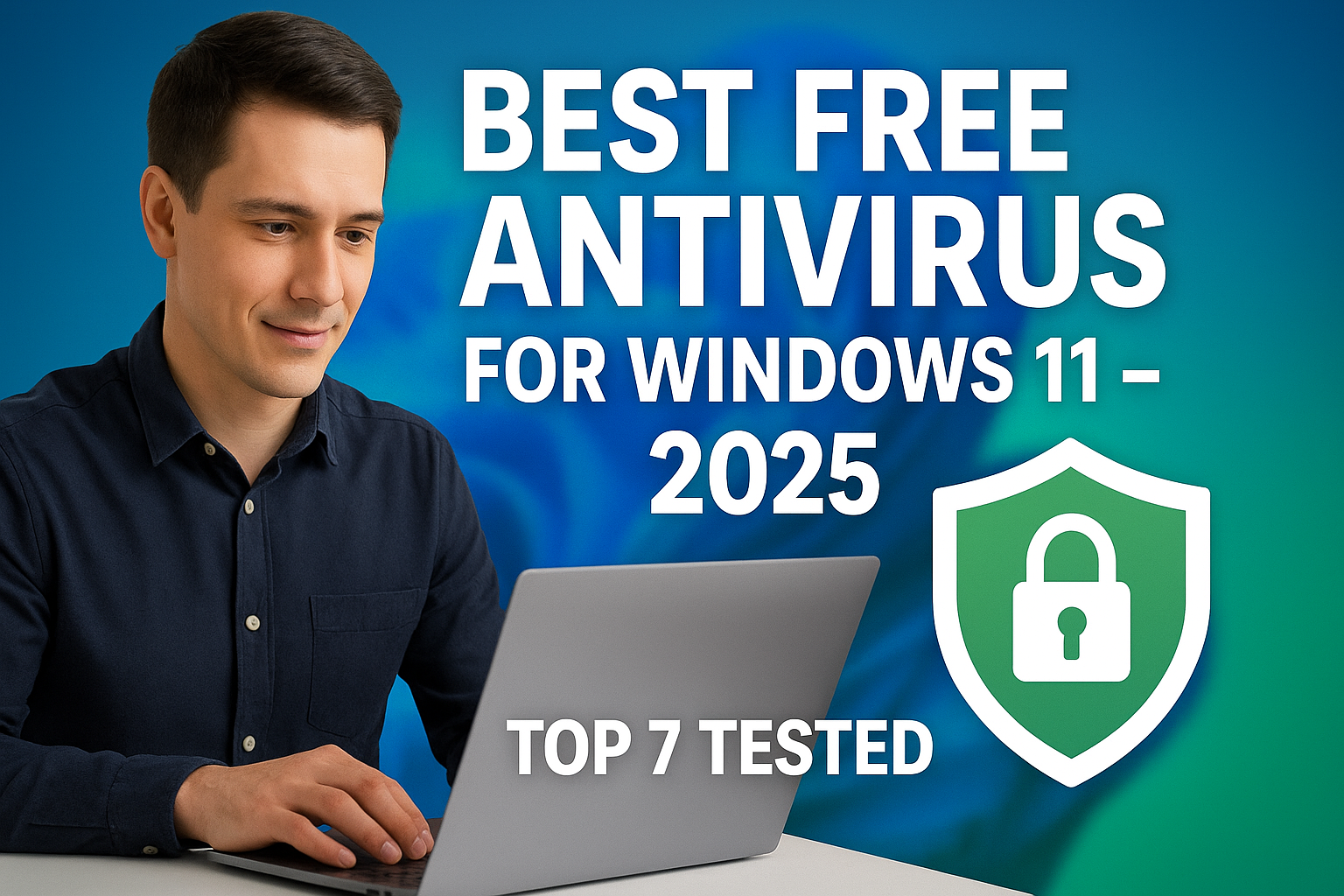
The good news is that you don’t always need to spend money on antivirus. There are several free antivirus software available in 2025 that provide excellent protection without slowing down your computer. In this article, we have tested and shortlisted the 7 best free antivirus software for Windows 11.
—
Why Free Antivirus is Still Worth Using in 2025?
Real-time protection against threats
Lightweight performance (won’t slow down PC)
Extra tools like VPN, password manager, firewall
Cost effective – ideal for students, freelancers, and small businesses
—
Top 7 Free Antivirus Software for Windows 11 in 2025
1. Avast Free Antivirus
Features:
Real-time malware protection
Wi-Fi security scanner
Password manager
Pros: Easy-to-use interface, powerful free version
Cons: Extra pop-up ads for premium version
👉 Best for: Users who want strong all-around protection.
—
2. AVG Antivirus Free
Features:
Blocks unsafe downloads and links
Advanced phishing protection
Performance tune-up features
Pros: Same protection engine as Avast (both owned by same company)
Cons: Limited free features compared to paid version
👉 Best for: Safe browsing and downloading.
—
3. Bitdefender Antivirus Free Edition
Features:
Cloud-based scanning (lightweight)
Anti-fraud and anti-phishing filters
Auto-pilot mode for beginners
Pros: Extremely fast scanning, minimal system impact
Cons: Fewer customization options
👉 Best for: Beginners who need simple, automatic protection.
—
4. Kaspersky Security Cloud Free
Features:
On-demand malware scanning
Free VPN (200MB/day)
Password manager (basic)
Pros: High malware detection rate
Cons: Limited VPN data
👉 Best for: Users who want antivirus + VPN combo.
—
5. Microsoft Defender Antivirus (Built-in)
Features:
Pre-installed on Windows 11
Real-time protection, firewall integration
Family protection tools
Pros: Lightweight, no installation needed
Cons: Lacks advanced features compared to others
👉 Best for: Users who want simple, built-in protection.
—
6. Avira Free Security
Features:
Real-time malware & ransomware protection
Free VPN (500MB/month)
PC cleaner tools
Pros: Good all-around package, frequent updates
Cons: VPN limit is very low
👉 Best for: Users looking for a free antivirus + system cleaner.
—
7. Sophos Home Free
Features:
AI-powered malware detection
Parental controls
Remote management (protect multiple PCs)
Pros: Protects up to 3 devices
Cons: Setup takes a bit longer
👉 Best for: Families with multiple PCs.
—
Quick Comparison Table
Antivirus Best For Extra Features Downsides
Avast Free All-round protection Password manager, Wi-Fi security Ads for premium
AVG Free Browsing & downloads Phishing protection Limited free tools
Bitdefender Free Beginners Cloud-based scanning Few settings
Kaspersky Free VPN lovers Free VPN + password manager VPN data cap
Microsoft Defender Default users Built-in firewall, parental tools Basic features
Avira Free PC cleaning Free VPN + cleaner Low VPN limit
Sophos Free Families Parental controls, remote management Longer setup
—
How to Install Free Antivirus on Windows 11
1. Visit the official website of the antivirus.
2. Download the installer (avoid third-party download sites).
3. Double-click on the installer file.
4. Follow on-screen instructions to complete setup.
5. Restart your PC if required.
6. Run the first scan to check for threats.
—
FAQs
Q1: Is free antivirus enough for Windows 11?
Yes, if you don’t store sensitive business data, free antivirus like Avast or Bitdefender can provide solid protection.
Q2: Which free antivirus has no ads?
Microsoft Defender and Bitdefender Free are ad-free.
Q3: Can I use two antivirus programs at once?
No, it can cause conflicts. Stick to one antivirus + optional anti-malware tool.
Q4: Do free antivirus slow down the PC?
Most modern free antivirus are lightweight. Bitdefender and Defender are fastest.
Q5: Which free antivirus also gives VPN?
Kaspersky and Avira provide limited free VPN with their antivirus.
—
Conclusion
In 2025, free antivirus software is powerful enough to protect your Windows 11 PC from most online threats. If you want a simple, no-hassle solution, go with Microsoft Defender or Bitdefender Free. For advanced use
rs who want more tools, Avast Free and Kaspersky Security Cloud Free are excellent choices.
No matter which one you choose, always keep your system updated, avoid pirated software, and use strong passwords for maximum security.